The route
See the path to a site or server.
Enter an address. LVL Trace shows the route in one clear view.
 Trace
Trace
Network clarity for macOS
LVL Trace shows the route to a site or server and helps you spot where connection problems begin.
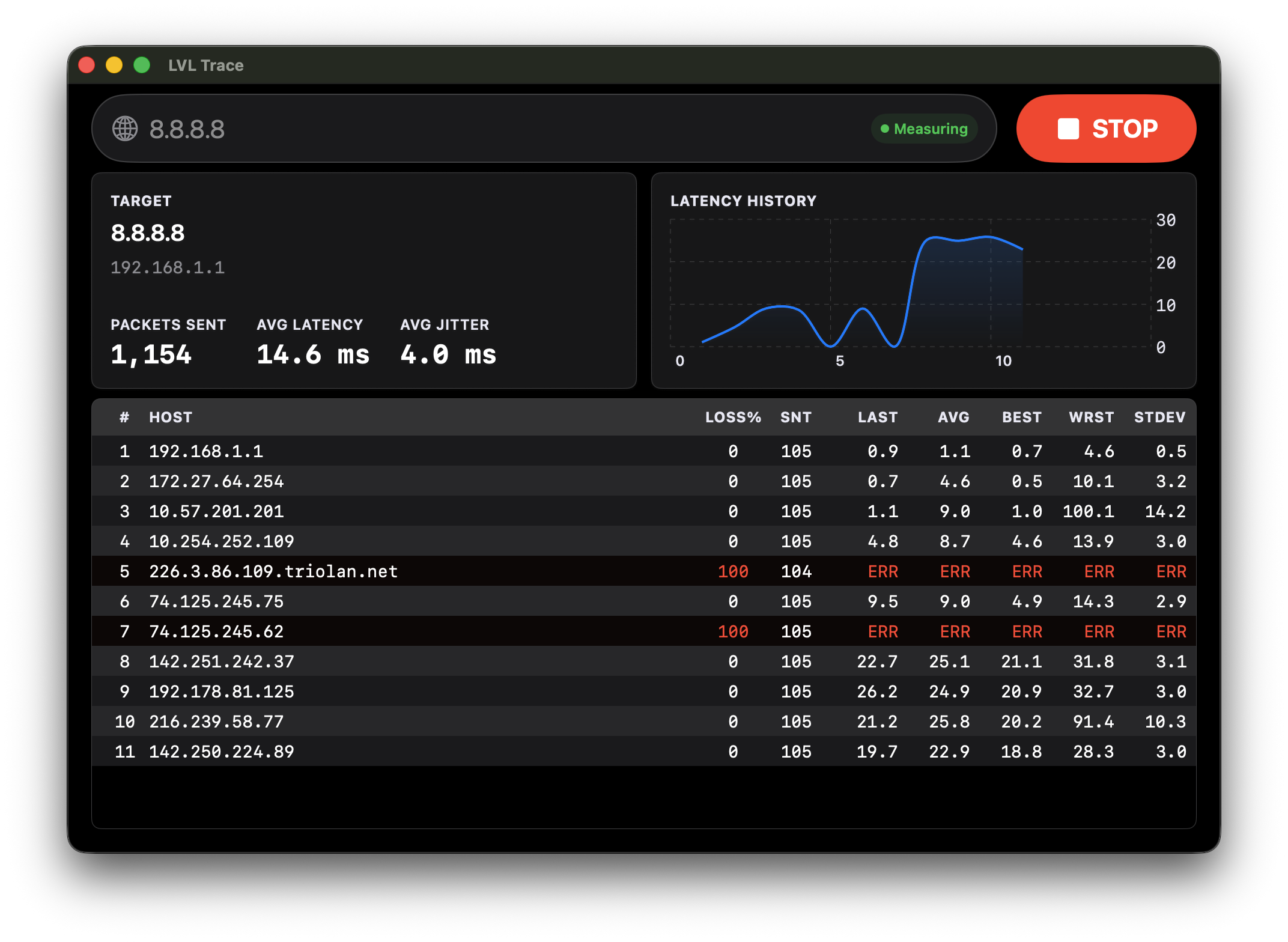
The route
Enter an address. LVL Trace shows the route in one clear view.
The problem
Instead of guessing, see where delays or packet loss begin to appear.
The answer
Commands stay useful. LVL Trace gives their story one readable window.
Support
A small donation supports polishing the app, testing new builds, and shipping the next release.
Support LVL Trace
Download
The release is getting ready. The download button is waiting with it.
FAQ
LVL Trace is a macOS app that helps you see the route from your Mac to a site or server.
It turns separate commands and changing numbers into one visual place to inspect.
For Mac users who want a clearer answer when a connection feels slow, unstable, or confusing.
Yes. Route checks, latency, packet loss, and hop details are there when you need them.
The public release is not linked yet. The download button will be ready for it.